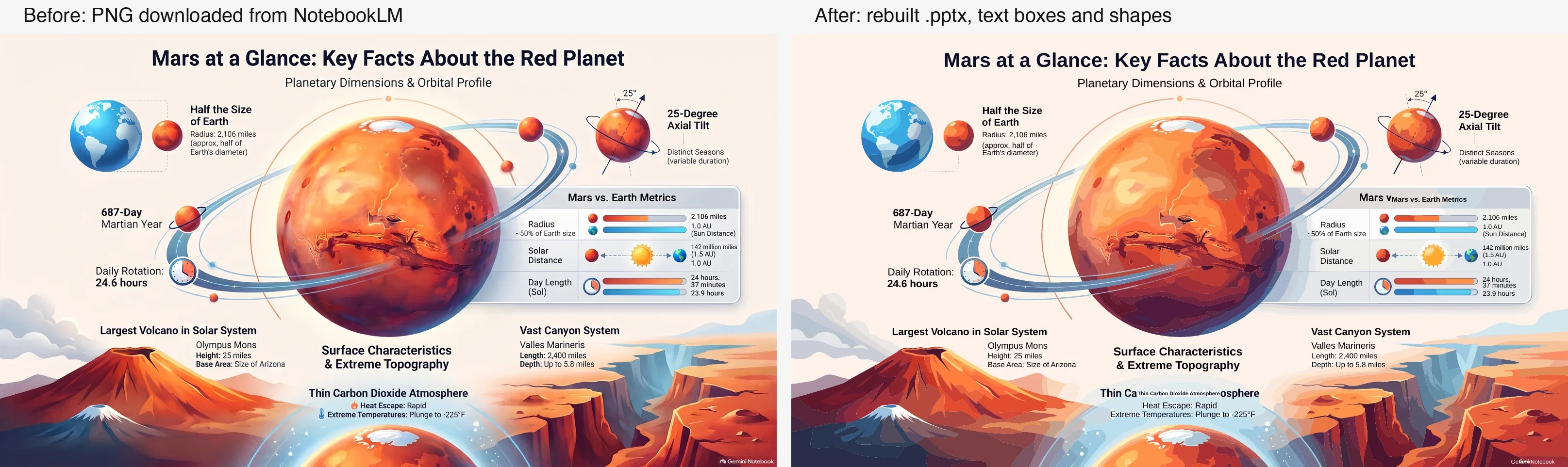
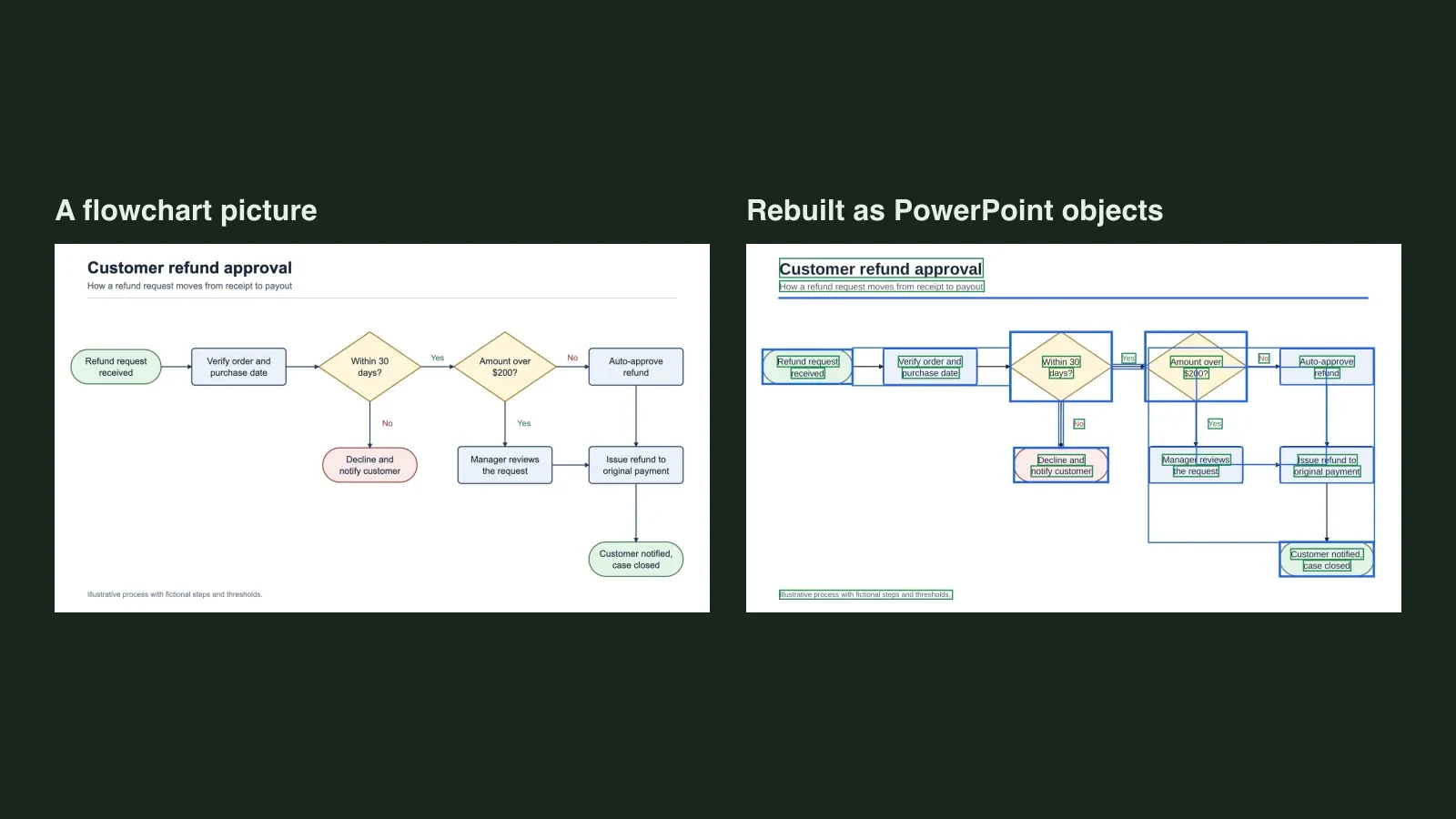
Quick answer: Google's help page for Slide Decks lists Download PDF Document (.pdf) and Download PowerPoint (.pptx), with no Google Slides option. So download the .pptx, upload it to Google Drive and open it with Google Slides. If a click on a slide selects the whole slide as one picture, convert the PDF to an editable .pptx with Unraster (2 credits per page, up to 30 pages), then open that in Slides.
Unraster is not affiliated with Google. Google's help now calls the app Gemini Notebook; this post says NotebookLM because that is the name most people search for. For the PowerPoint side of this question see Can you export NotebookLM slides to PowerPoint?.
| Your situation | What to do |
|---|---|
| You want the deck in Google Slides | Download the .pptx and open it from Drive |
| The text will not select | Rebuild the slides as text boxes |
| You only have images of slides | Upload one image or a PDF |
| You need a research figure, not a slide | See the note on research talks |
The route: .pptx, Drive, Google Slides
Google's help page, Generate Slide Decks in Gemini Notebook (read 2026-11-21), says to use the three dots menu next to the generated Slide Deck and choose "Download PDF Document (.pdf)" or "Download PowerPoint (.pptx)". The page does not mention exporting to Google Slides, so nothing here is a one-click import.
- Download the PowerPoint (.pptx) from the three dots menu.
- Upload the file to Google Drive.
- Double-click it in Drive to open it with Google Slides.
- Use File, Save as Google Slides to keep a Slides copy you can share and edit.
- Click a word on a slide. A text box appearing means you are done.
Menus change from time to time, so check the live help page if a step is not where this post says.
When the slides are flat pictures
The help page does not say whether the text in the downloaded file is editable, so test it. If one click highlights the whole slide as a single object, or nothing can be selected, the slide is a picture and the words are pixels. A PDF with no selectable text is the same case; here is how to tell.
Two ways in:
- A PDF: download the deck as a PDF, sign in and drop it on the Unraster home page. Up to 30 pages become one .pptx with a slide per page, 2 credits per delivered page, no free preview. The page PDF to editable Google Slides has the details and a real example opened in Slides.
- Slide images: save a slide as PNG, JPG or WebP and use Image to editable Google Slides. A single image gets a free watermarked preview with Google sign-in (up to 3 a day); unlocking the file is $2.99 or 2 credits.
Either way you receive a .pptx, not a Google Slides file. Upload it to Drive, open it with Slides and save a copy as in the steps above. If you came here for PowerPoint itself, the NotebookLM to PPTX page is the direct route.
The rebuild below is an image-only sample PDF page drawn for another post, not a NotebookLM page, and it is the same situation as a deck that arrives as pictures:
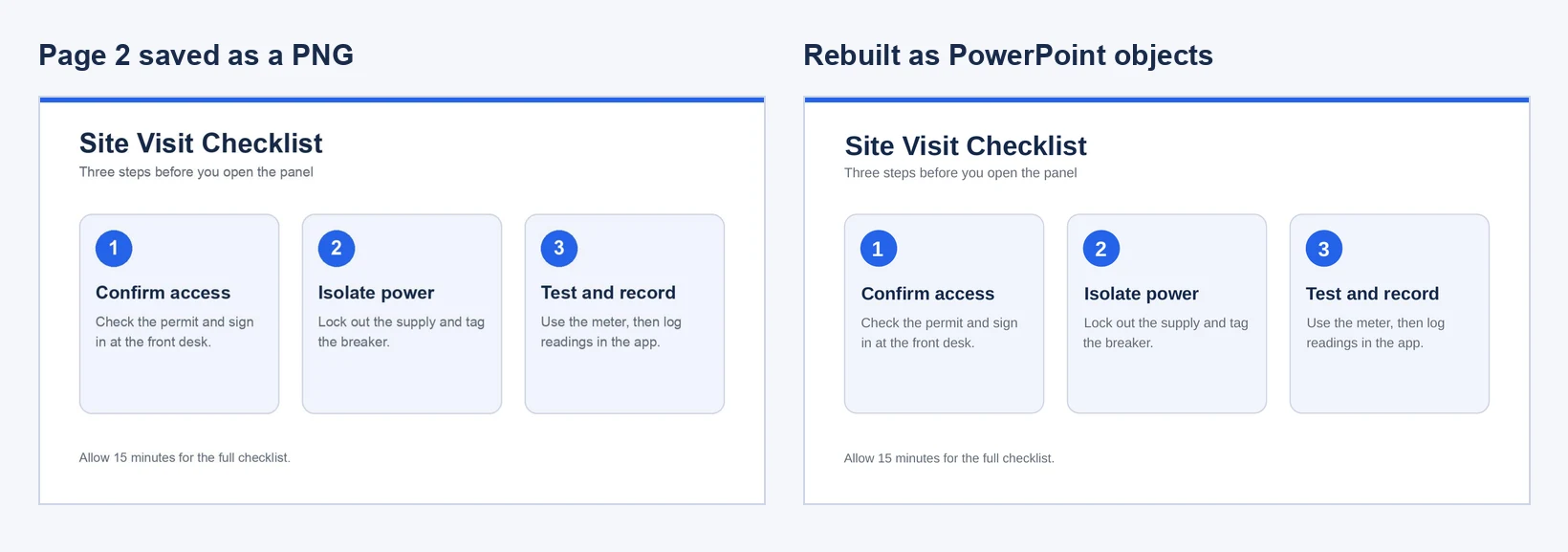
That run gave 15 text boxes and the rest as separate shapes, with no embedded picture. Check each box against the original.
What to expect in Google Slides
- Fonts. The rebuilt file uses a similar sans-serif, so line breaks can shift. Set the font you want in Slides.
- Gradients. Soft gradients flatten into stepped patches of colour.
- Charts. A chart becomes shapes and text with no data behind it.
- Small lettering. Tiny captions can be misread or stay as shapes. Proofread every slide.
- Size. Every slide takes the size of the first page.
It is a rebuild, not a copy, and we never claim a pixel-perfect result.
For research talks
A common case is a lab group meeting or conference talk made from a paper's sources in NotebookLM. The deck is the fast part; the figures are usually the slow part. If you need a mechanism diagram or graphical abstract drawn from an abstract first, ConceptViz can generate a 4K scientific mechanism figure from the text, which you can then place on a slide. ConceptViz is a separate tool from the same maker as Unraster; Unraster does not make figures, it rebuilds slides you already have.
What Unraster can't do
- It takes at most 30 pages per run, on the website only.
- A PDF needs an account with credits and has no free preview.
- It does not output Google Slides files.
- It does not rebuild charts as data-backed charts.
- It handles photos of paper and textured backgrounds badly.
Bottom line: Download the .pptx, open it from Drive in Google Slides and click a word. If the slides are pictures, upload the PDF to Unraster and open the .pptx it returns the same way.