PNG to EPS converter. In colour, in your browser.
Drop a PNG, JPG or WebP, trace it into filled colour shapes, and download an EPS for print files, logo packs and anything else that asks for EPS.
or drop an image ·
PNG, JPG or WebP · up to 20 MB · paste works tooFree · runs in your browser · your image is not uploaded
A logo in, an EPS out.
A real run of this tool on a two-colour coffee logo at the default settings. The right side is the set of shapes the EPS draws, 100 mm wide.
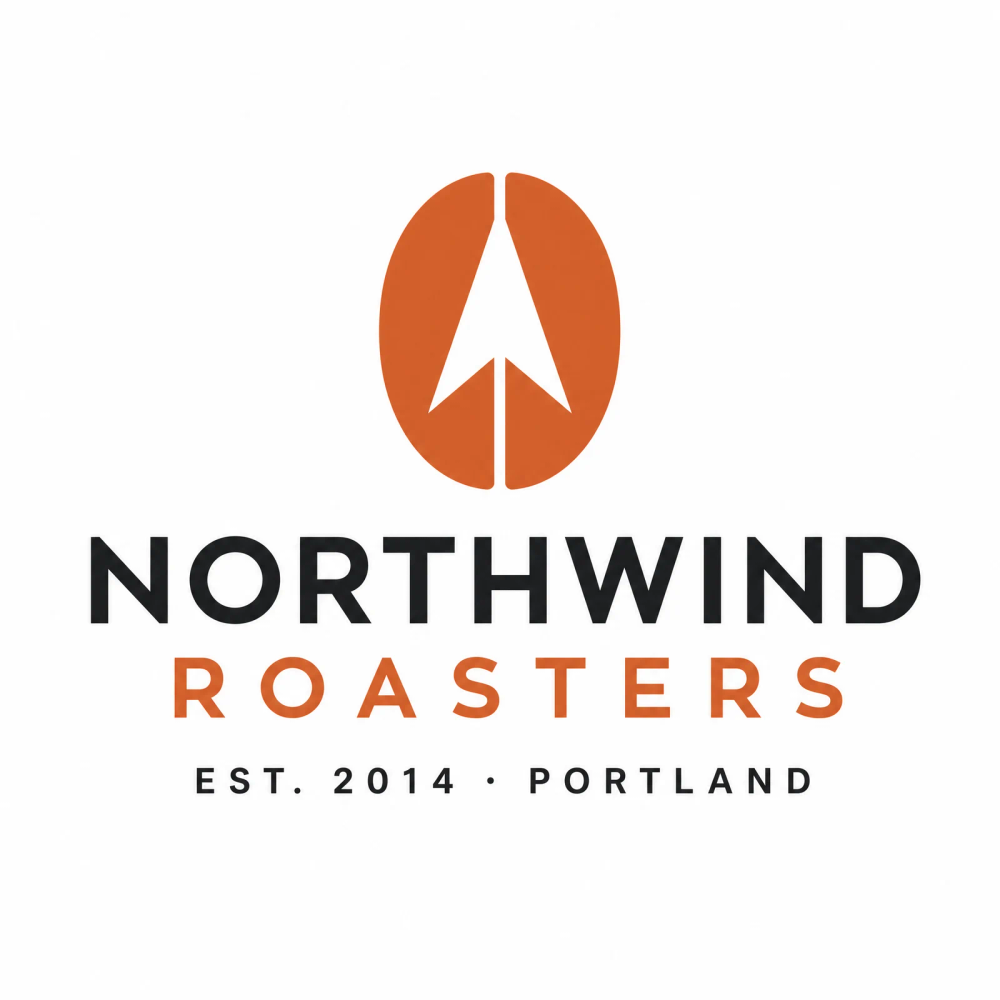
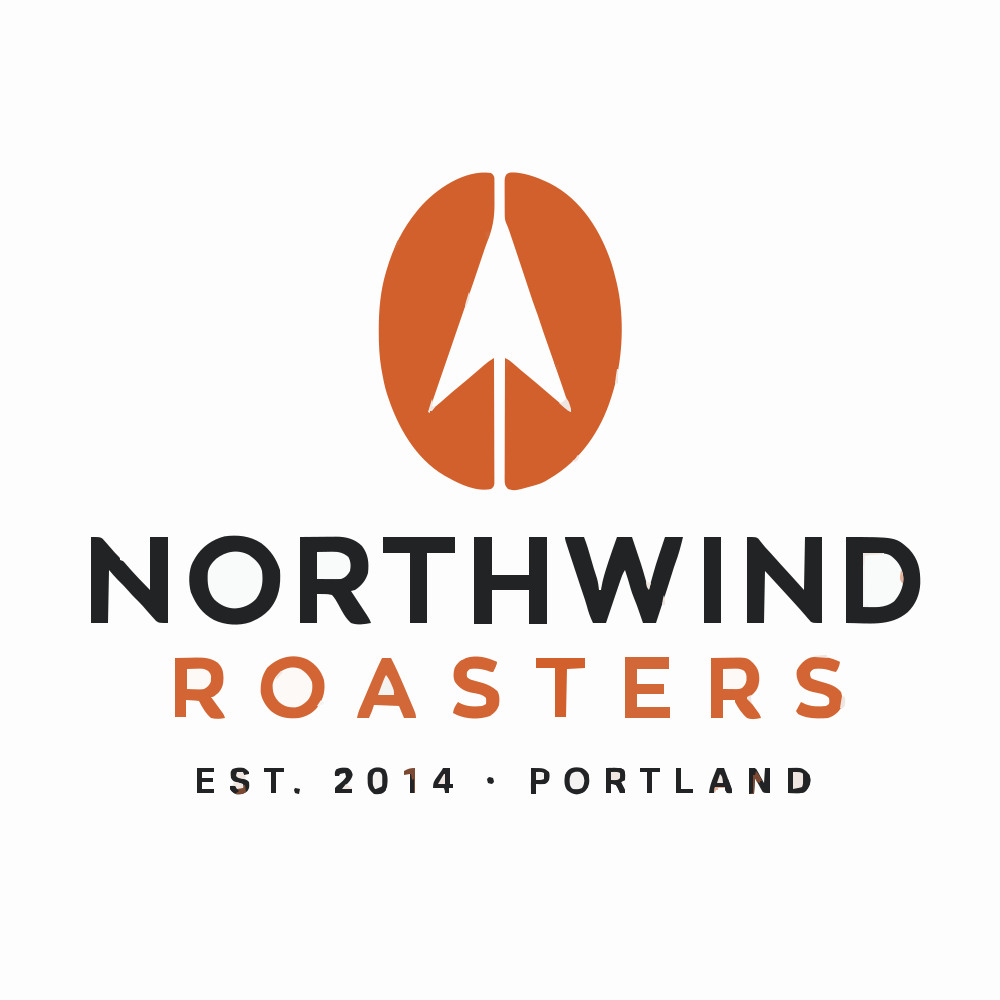
Check the letter counters (the insides of O, R and A), the thin tagline and the edge of the bean. The sample EPS below is the file this run produced. Download the sample EPS
How to convert PNG to EPS
- Choose your image
Pick, drop or paste a PNG, JPG or WebP up to 20 MB. It stays on your device.
- Pick colour or black and white
Colour keeps the image colours as filled shapes, and the colour limit merges similar shades. Black and white gives one-colour shapes.
- Set the width
Type the finished width in millimetres. The height follows the image, and the shapes scale without losing sharpness.
- Download and check
Open the EPS in the program or print portal you will send it to, and check colours, holes in letters and the size before you rely on it.
What works best
Good fits
- Logos, badges and icons made of flat colours
- Bold lettering and simple illustrations with clean edges
- Black line art and stamps in black and white mode
Keep in mind
- Photos and gradients trace into many overlapping shapes, so the EPS gets large and looks posterised
- Lettering becomes outlined shapes, not editable text
- Colours are written as RGB, so convert to CMYK or spot colours in your design software if your printer needs them
Other starting points
Already have an SVG?
This page starts from PNG, JPG or WebP. If you already hold an SVG, a vector editor can write the EPS directly: in Inkscape, choose File, Save As and pick Encapsulated PostScript. Other vector editors have a similar Save As or Export option.
Photo or detailed artwork?
Advanced on the homepage is built for complex images. It delivers an SVG, not an EPS, and costs 1 credit per file; the homepage can also export editable PowerPoint for 2 credits. You can open that SVG in a vector editor and save an EPS from there.
Questions
Anything else? Email us.
How do I convert a PNG to EPS?
Choose the PNG, pick Colour or Black and white, set the width in millimetres and press Download EPS. The image is traced into filled vector shapes in your browser and written as an EPS file.
Is the EPS really vector?
Yes. Every shape is written as filled paths with curves, not as an embedded bitmap, so it scales to any size. The shapes are an approximation of your image, so compare the preview with the original before you use it.
Why does my logo have more colours than I expected?
Soft edges in a PNG or JPG contain in-between shades, and the tracer can turn those into thin shapes of their own. Lower the colour limit to merge them into the main colours. Go too low and nearby colours merge too, for example dark lettering turning brown next to orange, so raise the limit again if a colour shifts.
Can I get a transparent background?
In Black and white mode the background is left empty. In Colour mode the tracer draws the background as the first shape; tick Remove the background shape to leave it out of the EPS and the preview. Only that outer shape is removed: white areas drawn inside the artwork, such as the counters of some letters, stay as white shapes.
Does the EPS use CMYK?
No. Colours are written as RGB values. If a printer asks for CMYK or spot colours, open the EPS in your design software and convert them there.
Will it open in Illustrator, CorelDRAW or a stock site checker?
The file is a standard EPS (EPSF-3.0) made of filled paths, a format many programs read. Programs and upload checkers differ, so open it in the one you will use and check the shapes and size first.
Why is my EPS file so large?
File size grows with the number of shapes and curve points. Flat logos give small files; photos can give thousands of shapes. Lower the colour limit or raise the speck removal to shrink it.
What size will the EPS be?
The width you type, in millimetres, sets the page size in the file (the height follows the image). Because the shapes are vector, you can scale the artwork later in your editor without losing sharpness.
Is my image uploaded?
No. The conversion runs in your browser and the image is not sent anywhere. There is no account, no credits and no watermark.
Turn your image into an EPS.
Choose imageFree, in your browser, no sign-in.