SVG viewer. Open, zoom, inspect.
Drop an SVG file or paste its code to see how it draws, how big it is and what is inside it. Then send it to PNG, JPG, PDF or DXF.
or drop an SVG file · ·
SVG · up to 15 MB · paste works tooFree · runs in your browser · your file is not uploaded
Only have a PNG or JPG? Trace it to SVG on the homepage: Basic is free, Advanced is 1 credit.
One file, three backgrounds, one readout.
A small design file opened in the viewer. The same drawing is shown on the checkerboard, on white and on a dark background, which is the quickest way to spot a transparent area or a fill that vanishes.
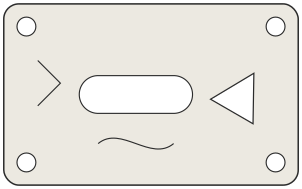
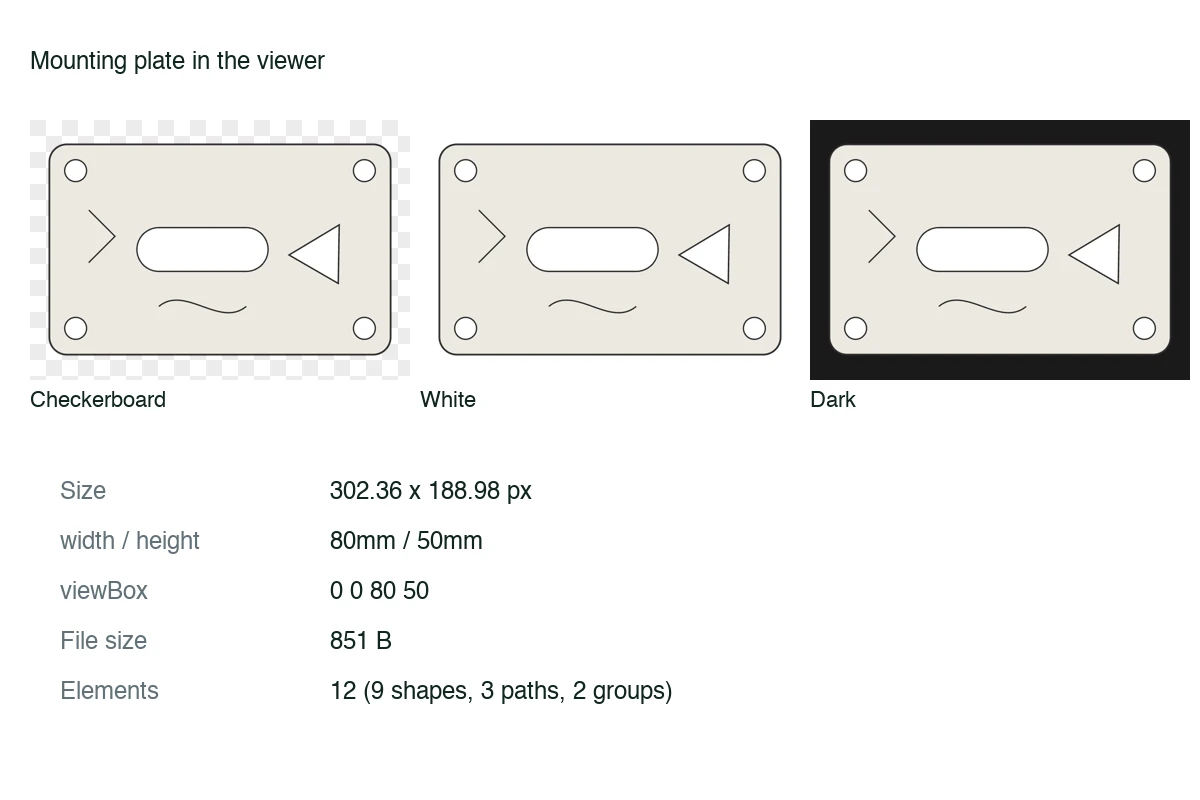
The readout lists the width, height and viewBox written in the file, the file size and how many elements it holds. The source view shows the code exactly as saved.
How to view an SVG file
- Open the file
Choose a .svg file, drop it on the page, or paste the SVG code. It is read on your device and never uploaded.
- Check how it draws
Switch between a checkerboard, white and dark background and zoom from a thumbnail up to 800%. Transparent areas show as the checkerboard.
- Read the details
See the width, height and viewBox, the file size and the element count, and open the source to read the markup.
- Convert if you need to
Send the same file on to PNG, JPG, PDF or DXF without choosing it again.
What the viewer is for
Good fits
- Checking an exported logo or icon before you send it to a client or a developer
- Finding out why an SVG looks empty: a missing viewBox, a white fill, or a zero size
- Reading the size and element count of a file before importing it into other software
Keep in mind
- Files are cleaned before preview: scripts, embedded web content, animation and links to other sites are removed, so the preview is a static, safe drawing.
- Text uses fonts installed on your device, so a font the file does not embed may look different from the original.
- It does not edit the drawing. Use a vector editor for changes.
Questions
Anything else? Email us.
Is it safe to open an SVG from someone I do not know?
The file is opened as a picture, never as part of the page, and scripts, embedded web content, animation and links to other sites are stripped first. The viewer tells you when something was removed. As with any file, keep your usual care with files from unknown senders.
Why does my SVG look blank?
Common causes are a white or transparent fill on a white background, a missing or wrong viewBox so the drawing sits outside the visible area, or a width and height of zero. Try the dark background and check the viewBox in the readout.
What does the viewBox number mean?
It is four values, the left, top, width and height of the area of the drawing that is shown. If the file has no width and height, the viewer uses the viewBox size as the drawing size.
Can I paste SVG code instead of a file?
Yes. Paste the code anywhere on the page, or use the paste box, and it opens straight away. Code that is cut off or not valid SVG is reported rather than shown half drawn.
Is there a size limit?
Files up to 15 MB, and up to 200,000 elements. Very large drawings can still be slow because your browser has to draw them.
Does it show animated SVGs moving?
No. Animation is removed so the viewer shows one still frame of the drawing.
Open an SVG file and take a look.
Choose SVG fileFree, in your browser, no sign-in.