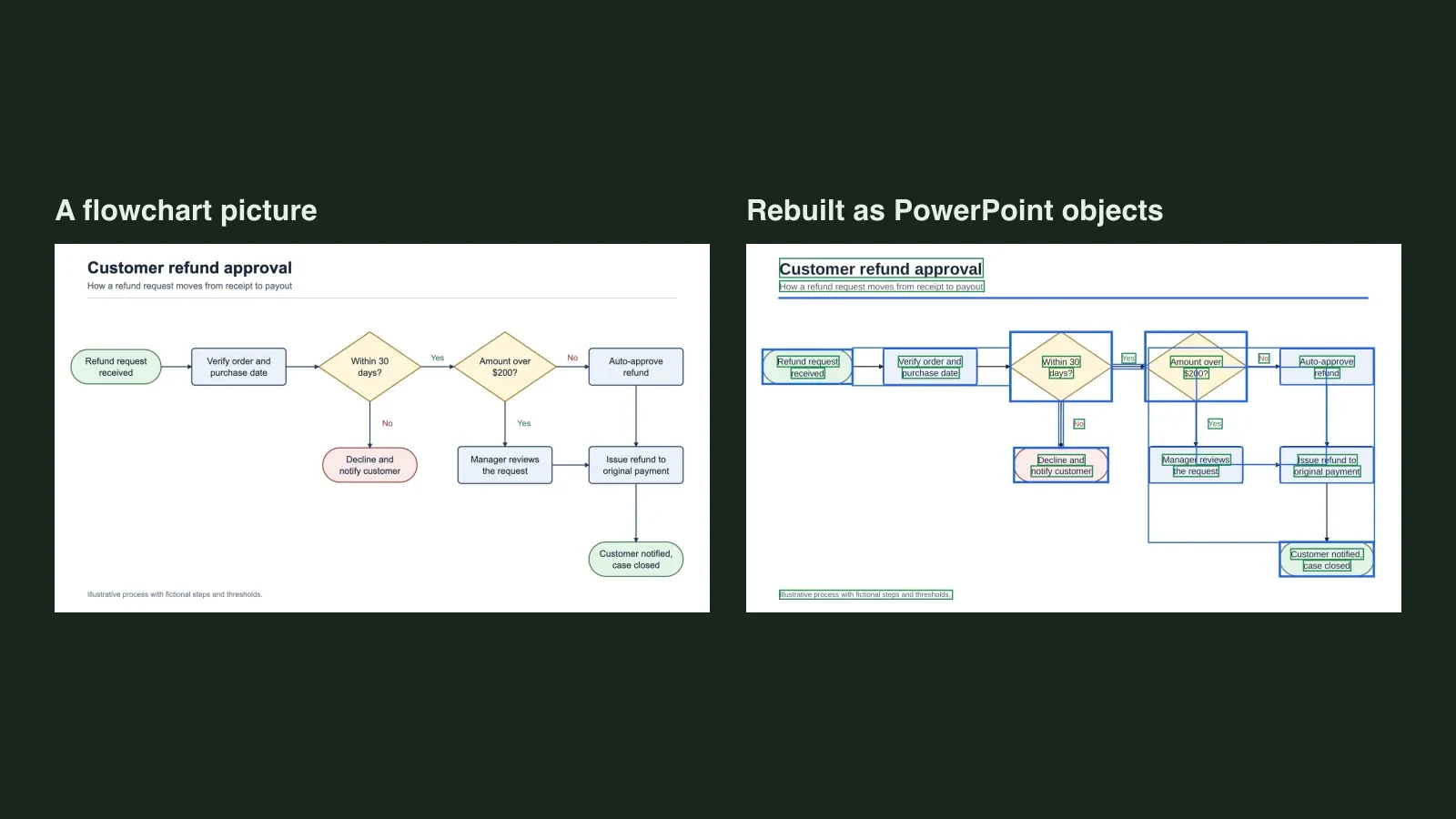
Quick answer: Usually yes, if you export from Gamma as PowerPoint (PPTX). Gamma's help page lists PPTX as an export format and says tables export as real, editable tables. You only need a converter when what you have left is a PNG or PDF export, or a screenshot, where the words are pixels. Click a word to find out which you have.
Unraster is not affiliated with Gamma. This post is not about Gamma being hard to edit; its own export is the first thing to try.
| What you have | What to do |
|---|---|
| Gamma still open or shared with you | Export as PowerPoint (PPTX) |
| A .pptx that opens with selectable text | You are done; check a few things |
| A PNG, a PDF with no selectable text, or screenshots | Rebuild them as editable slides |
Export the Gamma as PPTX first
Gamma's help page, What's the easiest way to export my Gamma? (read 2026-11-21), lists PDF, PNG, PowerPoint (PPTX) and Google Slides as export options. For PowerPoint, choose PPTX, download the file and open it in PowerPoint.
Then run a quick click test: click a word on a slide in PowerPoint.
- A text box appears: the text is editable, and you can stop here.
- The whole slide highlights as one object: that slide is a picture.
The help page names editable tables specifically and does not describe other elements one by one, so this post does not promise that every object in your deck will be editable. Test your own file.
What Gamma's help says to check
From the same help page:
- Tables. They export as real, editable tables.
- Speaker notes. They are included in PPTX exports.
- Charts. Charts imported from Google Sheets export as static images, so they will not update with the sheet.
- Images. AI-generated images export as PNG files.
- Watermark. A Made by Gamma badge appears on PDF and PPTX exports made on the Free plan; paid plans remove it from future exports.
- Google Slides. The page lists it as an export option on the web. If Google Slides is your target, use that option instead of going through PowerPoint.
Gamma's pages can change, so check the live help page before you rely on any single line.
When you only have PNG or PDF
This is where a converter helps: you exported a PDF or PNG, someone sent you slide images, or the original Gamma is gone. A PDF or PNG has no text boxes, so there is nothing to click. A PDF with no selectable text is the same case; here is how to tell.
- One slide image: save it as PNG, JPG or WebP and upload it on the Unraster home page. You get a free watermarked PowerPoint preview with Google sign-in (up to 3 a day), and unlocking the editable file is $2.99 or 2 credits.
- A PDF: sign in and upload it. Up to 30 pages become one PowerPoint with a slide per page, 2 credits per delivered page, no free preview. Failed pages are not charged.
Unraster takes images and PDFs, not .pptx files. Your browser renders PDF pages to images and sends those for conversion; the PDF file itself is not uploaded.
Here is what a rebuilt page looks like. It is an image-only sample PDF page drawn for another post, not a Gamma export, and it is the same situation as a deck saved as pictures:
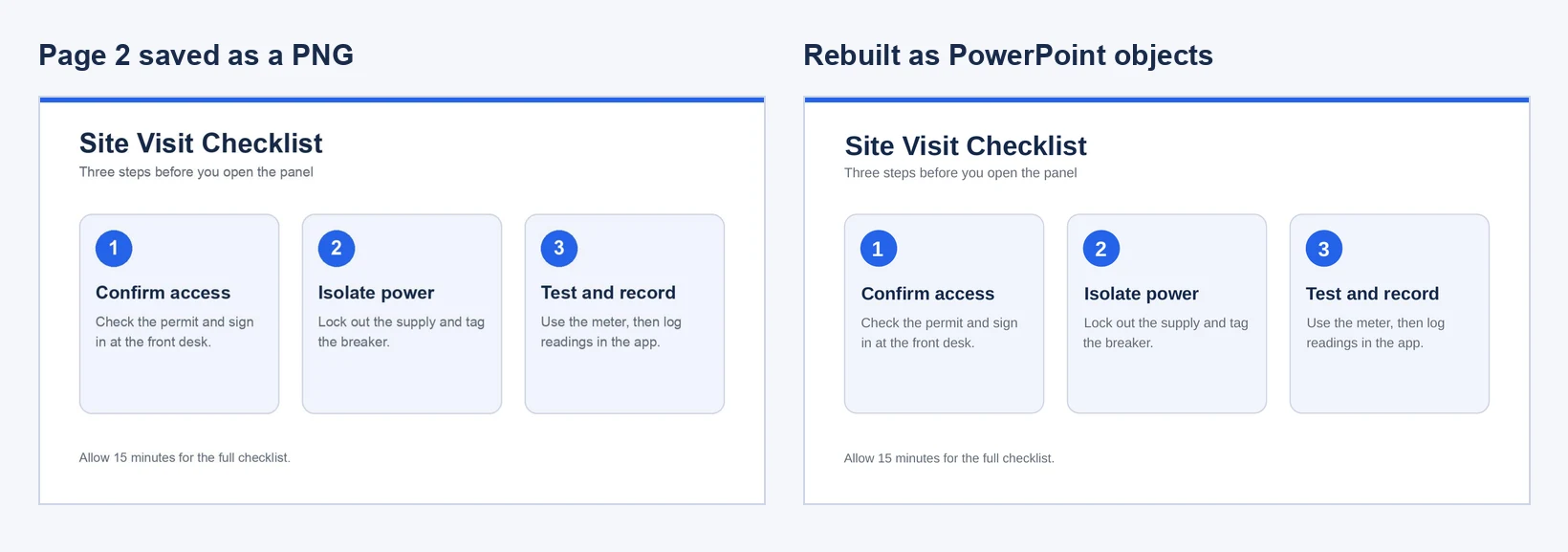
That run gave 15 text boxes and the rest as separate shapes, with no embedded picture. Check each box against the original.
What Unraster can't do
- It takes at most 30 pages per PDF, or several images in one deck (up to 30 with a subscription, 10 without), and only on the website.
- It does not rebuild charts as data-backed charts: you get shapes and text.
- It replaces fonts with similar ones and flattens soft gradients.
- It does not promise a pixel-perfect copy. Check small lettering against the original.
- A PDF run needs an account with credits and has no free preview.
If you only need to fix a few words afterwards, why can't I edit text in PowerPoint explains what stops a click from selecting text.
Bottom line: Export your Gamma as PPTX and click a word. If the slides are pictures because you only have PNG or PDF, upload them to Unraster and edit real text boxes. Our infographic page covers single-image slides.