Image to silhouette. Solid shape, any colour, free.
Turn a photo, logo or drawing into a solid silhouette. Fill the gaps inside the shape, choose the colour, and download an SVG, a transparent PNG or a DXF.
or drop an image ·
PNG, JPG or WebP · up to 20 MB · paste works tooFree · runs in your browser · your image is not uploaded
A figure in, a solid shape out.
A real run of this tool on a self-made picture of a figure with hands on hips, standing against a plain wall. Fill holes turned the gaps between the arms and the body, and the small light spots, into solid shape.
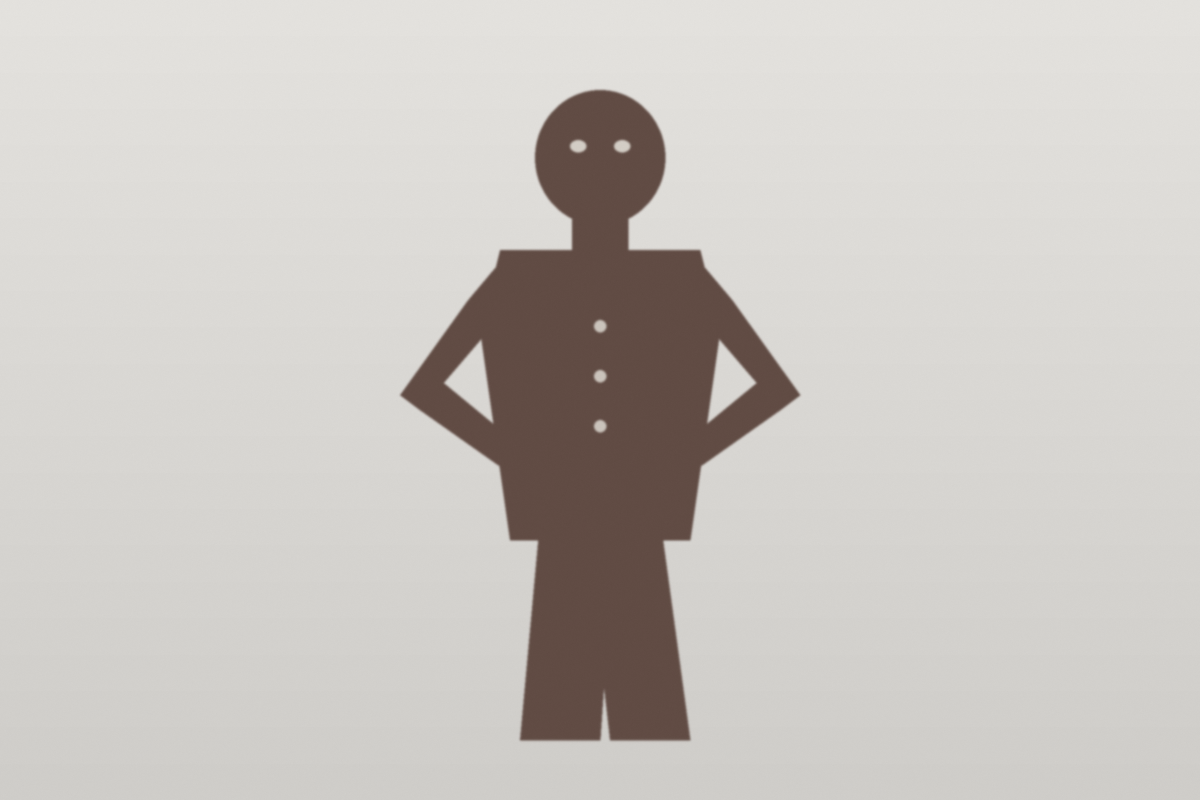
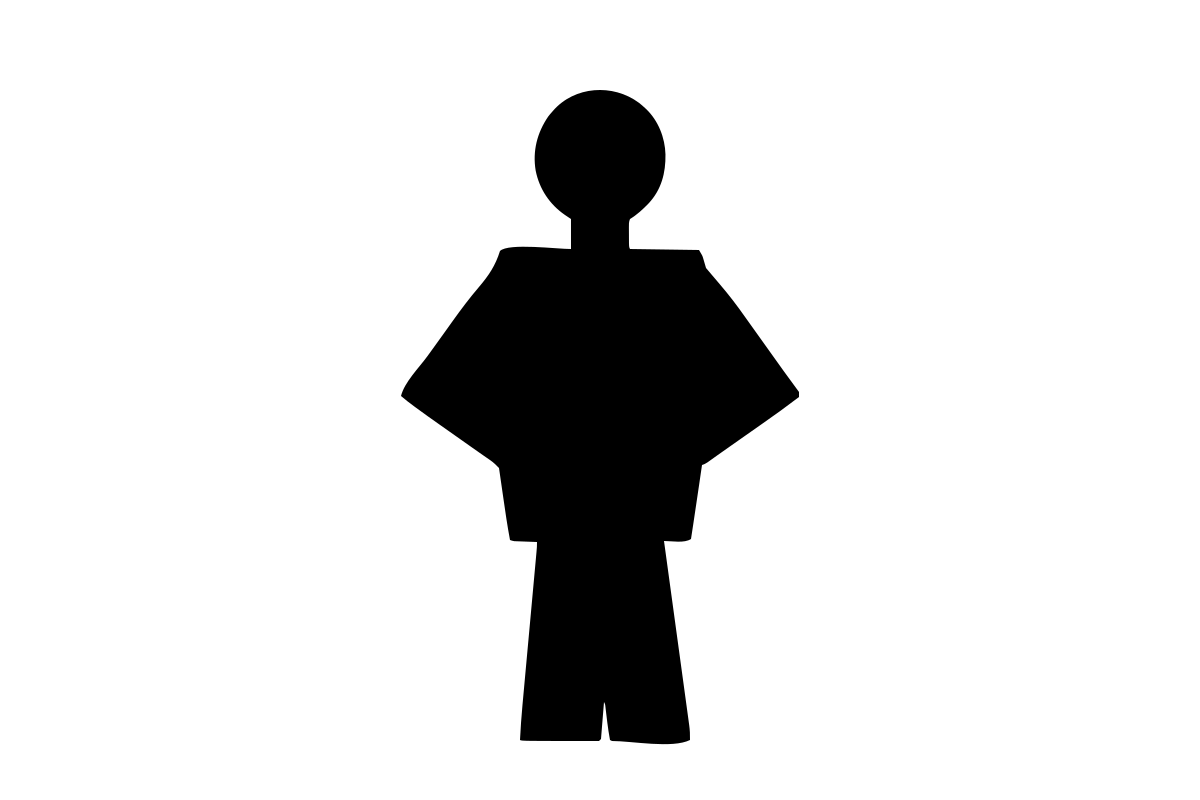
The shape is one solid colour. Gaps that are open to the background, such as between the legs, stay open. Download the sample DXF
How to make a silhouette from an image
- Choose your image
Pick, drop or paste a PNG, JPG or WebP up to 20 MB. It stays on your device.
- Check the shape
The preview shows the silhouette. Move the threshold until the whole subject is solid, or switch on Invert if the subject is lighter than its background.
- Fill holes and pick a colour
Fill holes closes gaps that are completely enclosed by the shape. Choose the fill colour you want in the file.
- Download
Take the SVG for design software, the PNG with a transparent background for slides and mock-ups, or the DXF for cutting software.
What works best
Good fits
- A subject on a plain, contrasting background: a product shot, a pet against a wall, a person against a clear sky
- Logos, icons and drawings in one or two flat colours
- Images where the subject is clearly darker or clearly lighter than everything behind it
Keep in mind
- There is no automatic background removal. On a busy background, the background merges into the subject because the tool only separates light from dark
- If you need to cut a subject out of a complex scene, remove the background in another app first, then bring the result here
- Fine detail such as hair, fur or thin wires can be lost or come out ragged, so zoom in on the preview before you use the file
Questions
Anything else? Email us.
How do I turn a photo into a silhouette?
Choose the photo, adjust the threshold until the preview shows your subject as one solid shape, turn on Invert if the subject is the lighter part, and download. It works best when the subject stands out clearly from a plain background.
What does Fill holes do?
It turns background areas that are completely enclosed by the shape into solid shape, for example the gap between an arm on the hip and the body, or the light spots of eyes and buttons. Gaps that connect to the outside of the image, such as between two legs, are left open. Turn it off if you want to keep enclosed cut-outs.
Can I change the silhouette colour?
Yes. Pick any colour with the colour control and it is used in the SVG and the PNG. The default is black. The DXF has no fill colour, because it describes outlines only.
How do I get a transparent PNG silhouette?
Download PNG. The shape is drawn in your chosen colour and everything else is transparent, so you can place it on any background in a slide, a design or a mock-up.
Why did the background merge into my silhouette?
The tool separates light from dark at one threshold, and it does not recognise objects. If the background has tones close to the subject, they land on the same side and join it. Try moving the threshold or switching on Invert. If that is not enough, remove the background in another app first, or choose a photo with a plainer background.
Can I use the silhouette for vinyl cutting, wall art or shadow puppets?
Yes, the SVG and DXF are plain outlines that many cutting and design programs can import. Thin necks, tails and ears may be too delicate for some materials, so make a test cut first. Import behaviour differs between programs, so check the size after opening.
Can I make the silhouette bigger without losing quality?
The SVG scales to any size without getting blurry, because it is made of curves. The PNG is a fixed size, based on your original image, so use the SVG when you need to print large.
Is my image uploaded?
No. The silhouette is made in your browser and the image is not sent anywhere. There is no account, no credits and no watermark.
Make your silhouette in seconds.
Choose imageFree, in your browser, no sign-in.