PNG to DXF converter. JPG and WebP too.
Drop an image, set the width in millimetres, and download a DXF made of closed outlines for laser cutting, CNC and CAD.
or drop an image ·
PNG, JPG or WebP · up to 20 MB · paste works tooFree · runs in your browser · your image is not uploaded
A logo in, a cutting outline out.
A real run of this tool on a simple one-colour logo. The right side is the outline that goes into the DXF, drawn at 100 mm wide.
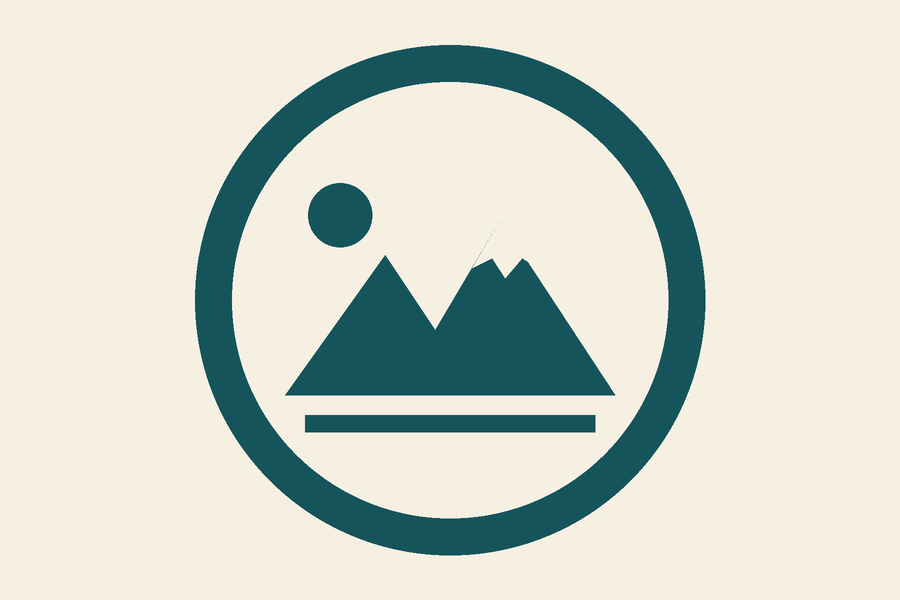
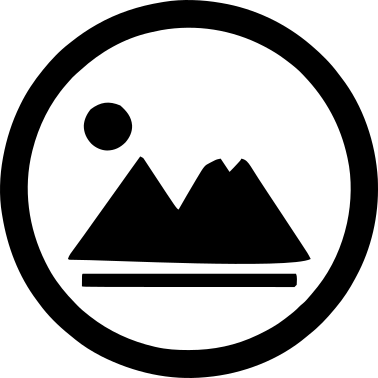
Black shapes are the outlines written to the file. Holes inside a shape are separate closed outlines. Download the sample DXF
How to convert PNG to DXF
- Choose your image
Pick, drop or paste a PNG, JPG or WebP up to 20 MB. It stays on your device.
- Set the threshold
The preview shows the shape that will be outlined. Move the threshold, or switch on Invert if the shape you want is the light part.
- Enter the size in mm
Type the width you need. The height follows the image proportions, and the file is marked as millimetres.
- Download and check scale
Open the DXF in your CAD or laser software and measure a known dimension before you cut.
What works best
Good fits
- Logos, icons and silhouettes with a clear difference between shape and background
- Bold black text on a light background
- Simple line art, stamps and cut-out shapes
Keep in mind
- Photos and busy images do not make good outlines; the result is a one-colour approximation
- Colour images are reduced to two tones, shape and background, so pick the threshold that separates what you need
- Very thin lines and tiny details may be too fine for your machine to cut
Questions
Anything else? Email us.
How do I convert a PNG to DXF?
Choose the PNG, adjust the threshold until the preview shows the shape you want, enter the width in millimetres and press Download DXF. Each shape and each hole becomes a closed outline in the file.
Can I convert JPG to DXF too?
Yes. PNG, JPG and WebP are handled the same way: the image is smoothed, split into shape and background at your threshold, and the edge is traced. JPG compression noise is softened by the smoothing control.
What units does the DXF use?
Millimetres. The file declares millimetres in its header, and the width you type is the width of the finished outline. The height follows the image proportions. Some programs ignore the units setting on import, so measure a known dimension after you open the file.
Are the outlines closed for a laser cutter?
Yes. Every outline is written as a closed polyline. Your cutting software may still need settings such as which outlines are cut and in what order, and small details must be larger than your tool can handle.
Will it open in AutoCAD, LightBurn or Fusion?
The file is a plain-text DXF with polyline entities, a format many CAD and cutting programs can read. Import behaviour differs between programs and versions, so open a test file first and check the size and layer settings.
Why do the insides of letters like O fall out when cut?
A cut-out shape drops its centre, just like the middle of an O. If you need the pieces to stay attached, use the Image to stencil tool, which adds bridges.
What happens to colour images?
They become one colour. The tool picks a brightness threshold, and everything darker becomes the shape. Use the threshold slider and Invert to choose what is kept. For a colour vector file, use the homepage converter instead.
Is my image uploaded?
No. The conversion runs in your browser and the image is not sent anywhere. There is no account, no credits and no watermark.
Turn your image into a DXF outline.
Choose imageFree, in your browser, no sign-in.