SVG to PDF converter. Stays vector.
Turn an SVG into a PDF whose shapes and text stay sharp when you zoom or print, sized to the drawing or placed on A4 or Letter paper.
or drop an SVG file · ·
SVG · up to 15 MB · paste works tooFree · runs in your browser · your file is not uploaded
Only have a PNG or JPG? Trace it to SVG on the homepage: Basic is free, Advanced is 1 credit.
A vector poster, saved as a PDF.
A real export from this tool. The PDF holds the drawing as paths and text, not as a picture, so it stays sharp at any zoom. The preview on the right is that PDF rendered to an image.
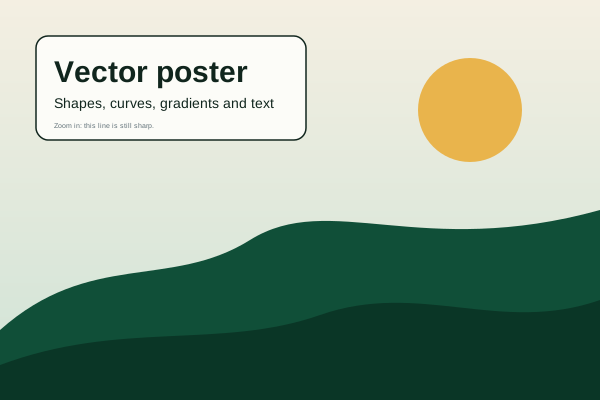
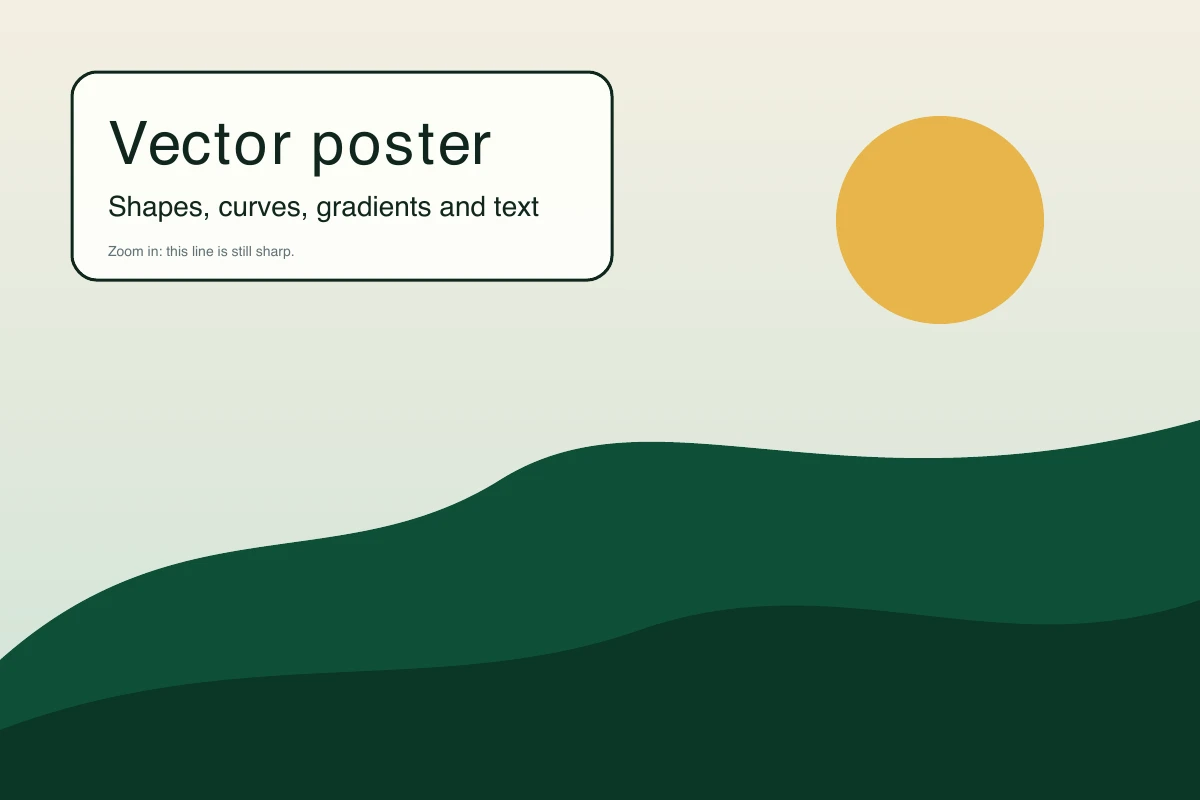
Text in the PDF is set in standard PDF fonts, so a font the SVG relies on may be replaced. Filter effects such as blur and drop shadows are not carried over. Download the sample PDF
How to convert SVG to PDF
- Open your SVG
Choose a file, drop it on the page or paste the code. It is processed on your device.
- Choose the page
Fit to drawing makes a page exactly the size of the SVG. A4 and Letter centre the drawing on the paper with a margin, in portrait or landscape to suit its shape.
- Download the PDF
Open it and zoom in to check. The tool lists anything in your file that a PDF cannot carry, such as filters.
What works best
Good fits
- Logos, diagrams and illustrations for print or for a printer's artwork upload
- Drawings you want to share as one page that opens everywhere
- Files made of shapes, gradients and simple text
Keep in mind
- Filter effects (blur, drop shadow and similar) are not drawn in the PDF, and the tool tells you when your file uses them.
- Text uses standard PDF fonts. Fonts the SVG relies on, and characters outside basic Latin, may be replaced or missing. Convert text to outlines first if the letter shapes matter.
- The PDF is RGB, not print-ready CMYK, and has no bleed or crop marks.
Questions
Anything else? Email us.
Is the PDF really vector?
Yes. Shapes are written to the PDF as paths, so lines stay sharp at any zoom. Only embedded bitmap images inside your SVG stay as pixels.
What is the difference between fit, A4 and Letter?
Fit makes the page exactly the size of the SVG. A4 and Letter put the drawing on a standard sheet, scaled to fit inside a margin and centred. Wide drawings use a landscape sheet and tall ones use portrait.
Why is a blur or shadow missing from my PDF?
PDF export in the browser does not support SVG filter effects, so they are left out. The tool warns you when it finds filters. If the effect matters, export a PNG instead, or flatten the effect in your design software first.
Why did my text change font?
The PDF uses standard fonts, and fonts that only live on the designer's computer are not embedded. Convert the text to outlines before you export if you need identical letter shapes.
Can I use this PDF for professional printing?
It is a good start for proofs and simple jobs. The colours are RGB and there is no bleed or crop marks, so check the requirements of your print shop first.
How large can the SVG be?
Up to 15 MB. A very complex drawing can take a while, because your browser does all the work.
Choose an SVG and save a vector PDF.
Choose SVG fileFree, in your browser, no sign-in.