unraster

Signature to SVG. Trace the strokes.

Scan or photograph a signature in dark ink on white paper for a free Basic SVG in your browser. Paper is dropped, so the background is transparent.

or drop images ·

Basic SVG is free in your browser · Advanced SVG 1 credit · Pricing →

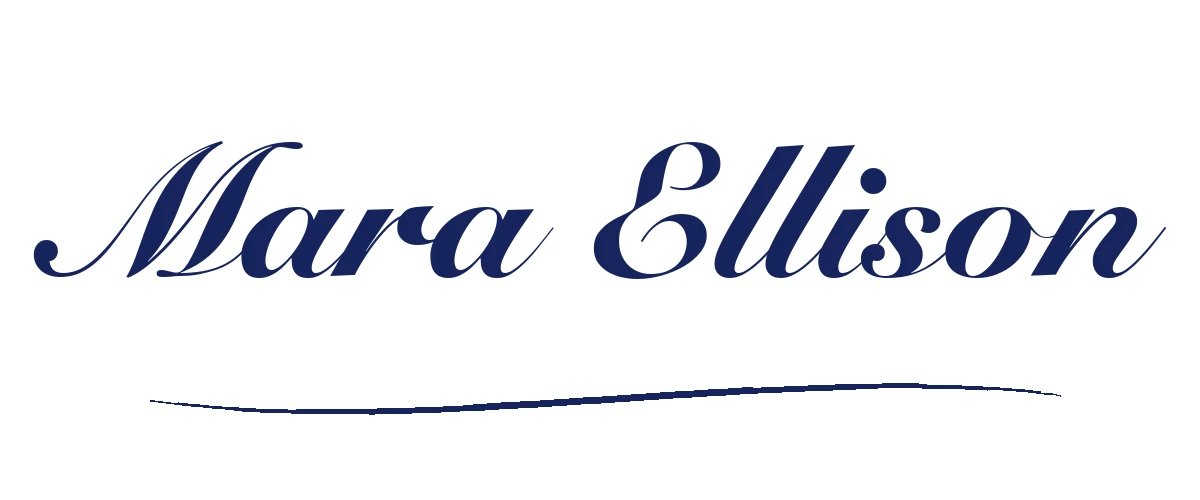
A sample signature, as Basic and Advanced SVG.

A script-font signature with a curved underline, converted with no manual cleanup. Real handwriting is rougher, so expect a less tidy trace from a phone photo.

CompareBasic is free · Advanced is 1 credit
Original image
Original sample signature image
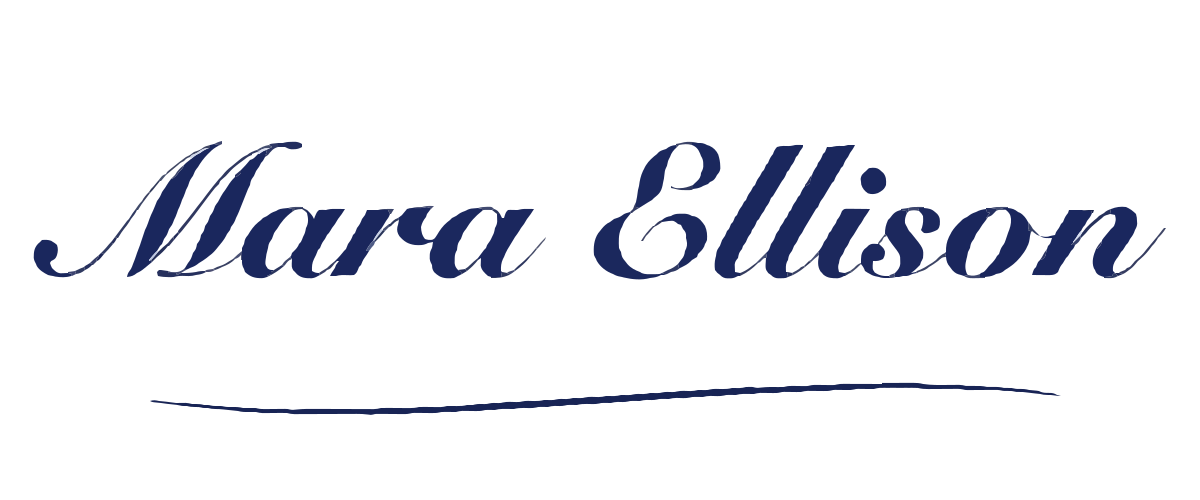
Basic SVG Free · in your browser
sample signature image as a Basic SVG
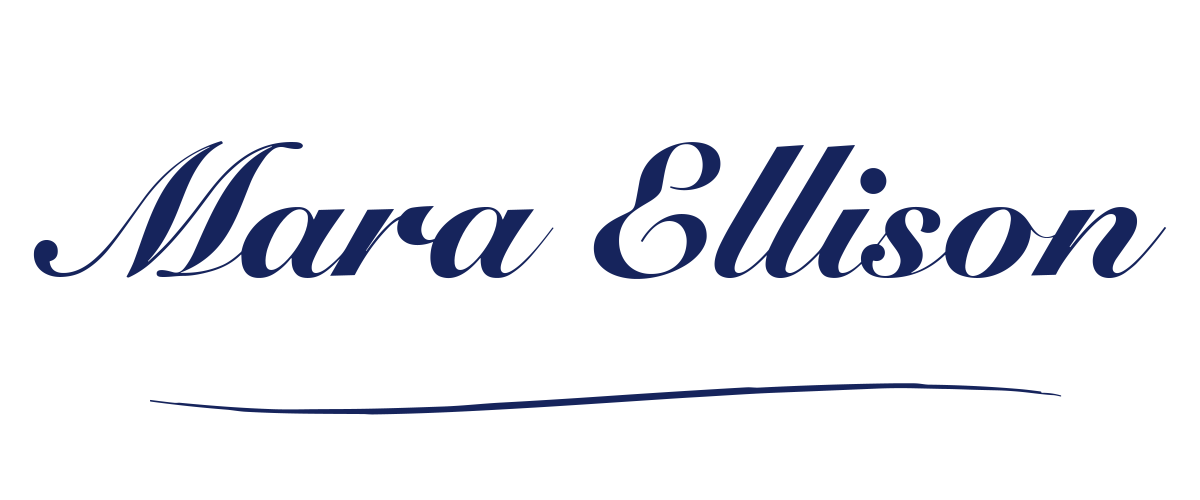
Advanced SVG 1 credit to convert
sample signature image as an Advanced SVG

Both SVGs are real output from the source image above. Downloading an example is free; making your own Advanced SVG costs 1 credit.

How to turn a signature into SVG

Dark ink on white paper with even light is the easy case; a phone photo adds texture and colour fringes.

One image: free Basic SVG in your browser. Advanced SVG is 1 credit; free allowances apply. Nothing is uploaded for Basic.

  1. Scan or photograph the signature

    Use dark ink on plain white paper, fill the frame and light it evenly. A scan is more consistent than a photo; if you photograph it, keep the page flat and avoid shadows from your hand or phone.

  2. Check the background and crop

    Crop to the signature and keep the paper plain. Paper texture, uneven light and colour casts turn into extra shapes and fringes, so a clean white background gives a cleaner SVG.

  3. Upload and compare

    Choose, drop or paste a PNG, JPG or WebP up to 20 MB. Basic SVG is free and traced in your browser, so the image is not uploaded. Advanced SVG costs 1 credit and merges colours into fewer shapes; free Advanced allowances are listed in the FAQ.

  4. Download, then remove the background if needed

    Downloads are free. Basic SVG has a transparent background when the corners of your image are white. Advanced SVG keeps an opaque background rectangle; to remove it, open the file in any vector editor and delete the bottom-most shape.

Basic SVG is free. Advanced SVG is 1 credit.

You pay only when you get the file. Need editable slides instead? Image to PowerPoint.

Credit pack No subscription

$9.90one-time

  • Covers 15 Advanced SVGs, one at a time
  • Batch up to 10 SVGs as a .zip: 2 credits each, against 1 credit for a single SVG. A subscription batches at the single-file price.
  • $0.66 per credit
  • Credits last 12 months

Subscription

$19.90/ month

Billed monthly

  • Covers 50 Advanced SVGs every month
  • Batch up to 10 SVGs as a .zip at the single-file price: 1 credit each.
  • $0.40 per credit
  • Credits last 90 days

Prices in USD. Optional AI Clean-up is 1 credit. Free Advanced conversions: 1 per device without an account (once it is used, log in), 1 more with a Google login. Email-only accounts pay 1 credit. Cancel or change plans anytime in Credits & billing.

Questions

Anything else? Email us.

How should I scan or photograph a signature?

Use dark ink on plain white paper, fill the frame and light it evenly. A scan is more consistent than a photo; if you photograph it, keep the page flat and avoid shadows from your hand or phone. A thicker pen gives the tracer more to hold on to.

Is the SVG background transparent?

Basic SVG is transparent when the corners of your image are white: the white paper is dropped and only the strokes remain. If the paper is off-white, grey or coloured, Basic keeps a background rectangle. Advanced SVG always keeps an opaque rectangle. To remove a rectangle, open the SVG in any vector editor and delete the bottom-most shape.

Can I use the result as a legal signature?

This tool only converts an image; it does not provide legal advice. Whether a signature image is valid depends on where you are and what it is used for, so check the rules that apply to you. Only convert signatures you are entitled to use.

Is Basic SVG free, and what does Advanced cost?

Yes. Basic SVG is free and runs in your browser, so the image is not uploaded. Advanced SVG is 1 credit. Guests get one free Advanced conversion per device, then one more after signing in with Google; signing in with Google directly gives two. Email-code accounts have no free Advanced conversions. No subscription is needed.

What do I get from a phone photo?

A usable but rougher result. In the photo example, with slight rotation, paper texture and uneven light, Basic produced 170 paths, 165 colours and a 74 KB file: the letters were readable, but stroke edges had pale grey fringes, the paper texture became one grey-beige background rectangle, and the underline broke into uneven thicknesses. A clean scan gives a cleaner SVG.

What files and size can I upload?

PNG, JPG or WebP up to 20 MB on the website. Crop to the signature; a large scan is slower to trace and makes a larger SVG.

Does the SVG keep my pen pressure?

No. The signature is traced as filled outlines, not live strokes, so pen-pressure variation, paper texture and the way a line was drawn are not stored as editable stroke data.

Turn your signature image into an SVG you can scale.

Or drop one PNG, JPG or WebP anywhere on this page.

My files

Pick up where you left off. Saved on this browser.

A fresh canvas awaits.

Images you convert will appear here.

Clearing browser data removes this history.