unraster

Hand-drawn sketch to SVG. Trace the ink.

Photograph or scan your drawing and trace its dark lines into SVG. Dark ink on white is best.

or drop images ·

Basic SVG is free in your browser · Advanced SVG 1 credit · Pricing →

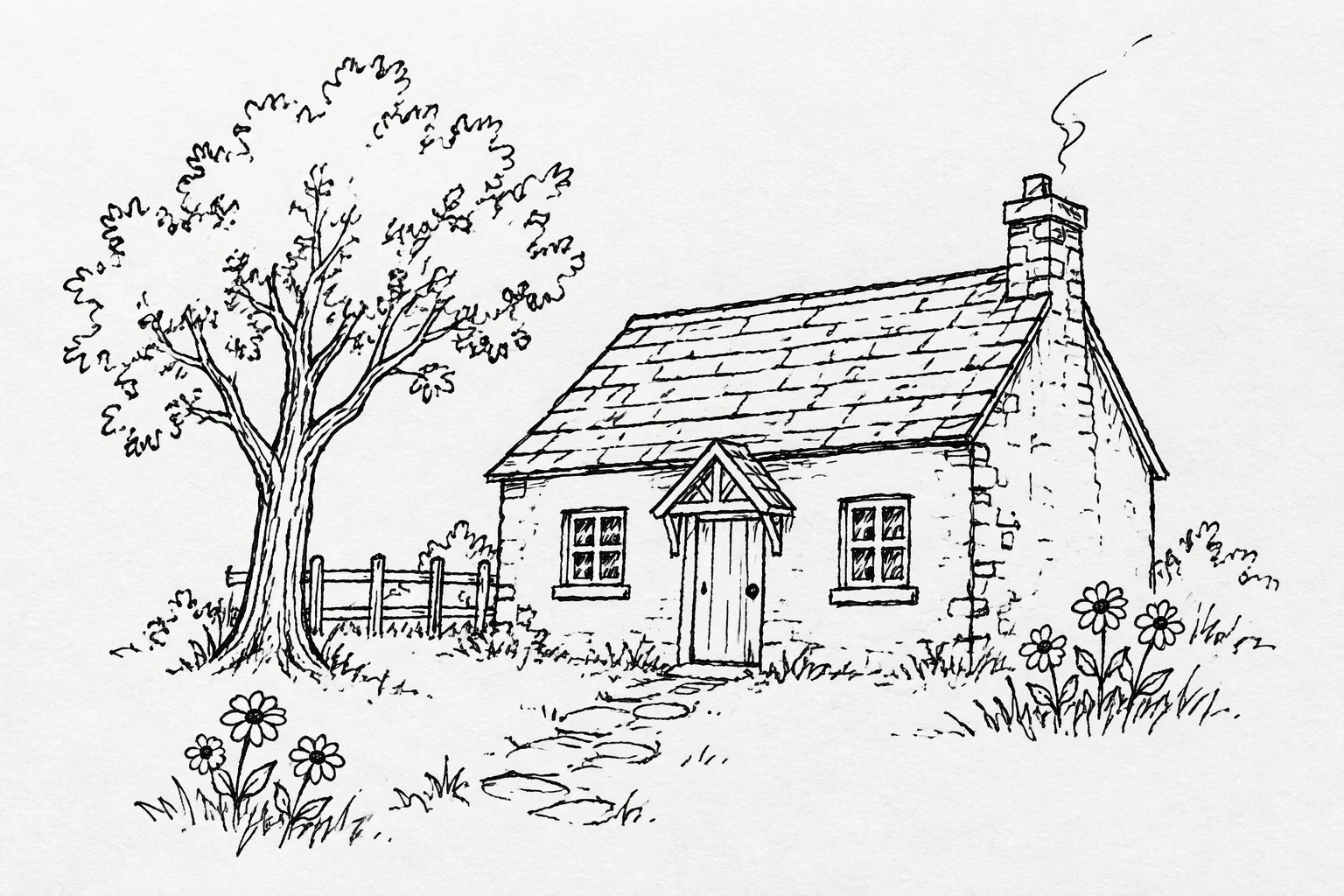
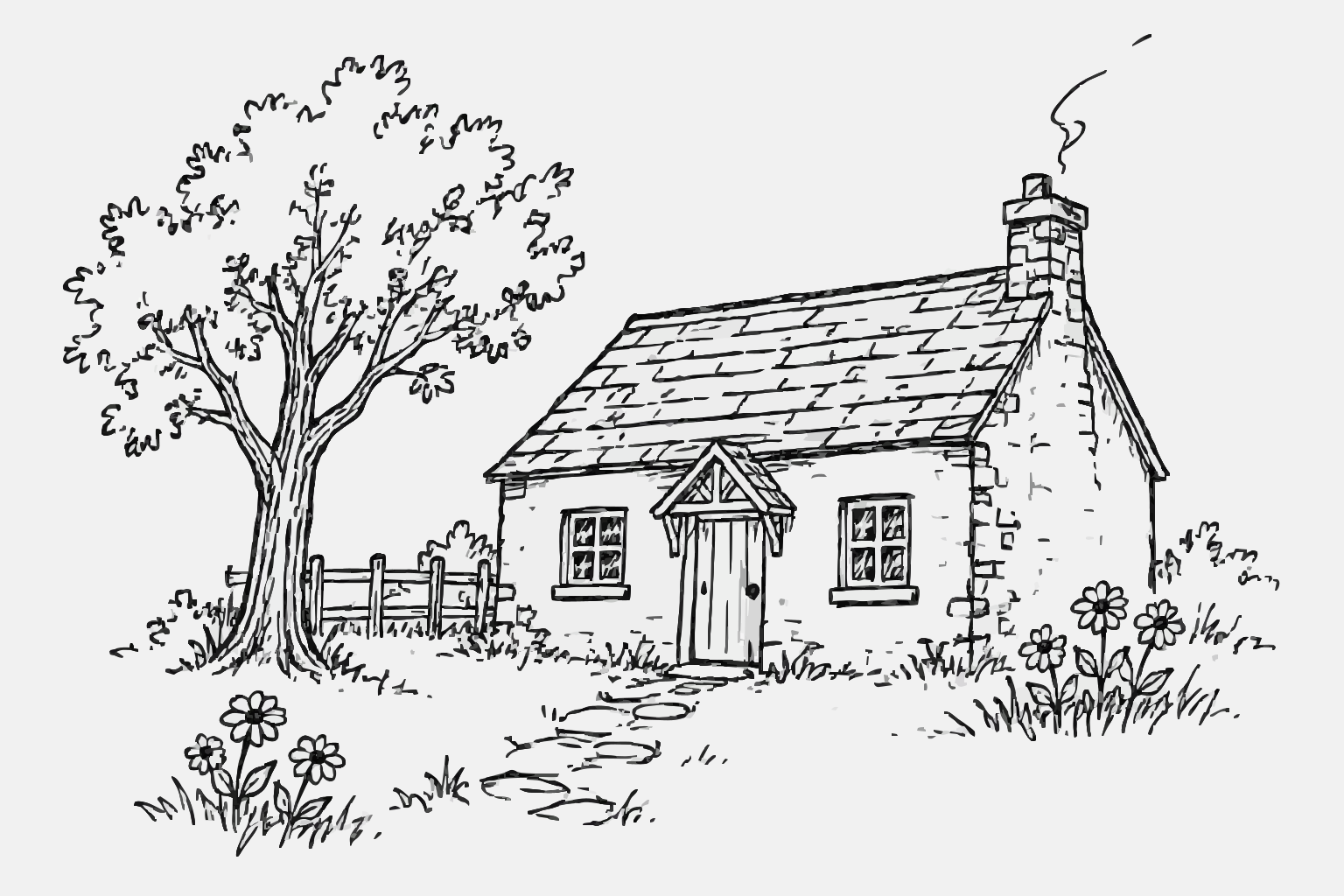
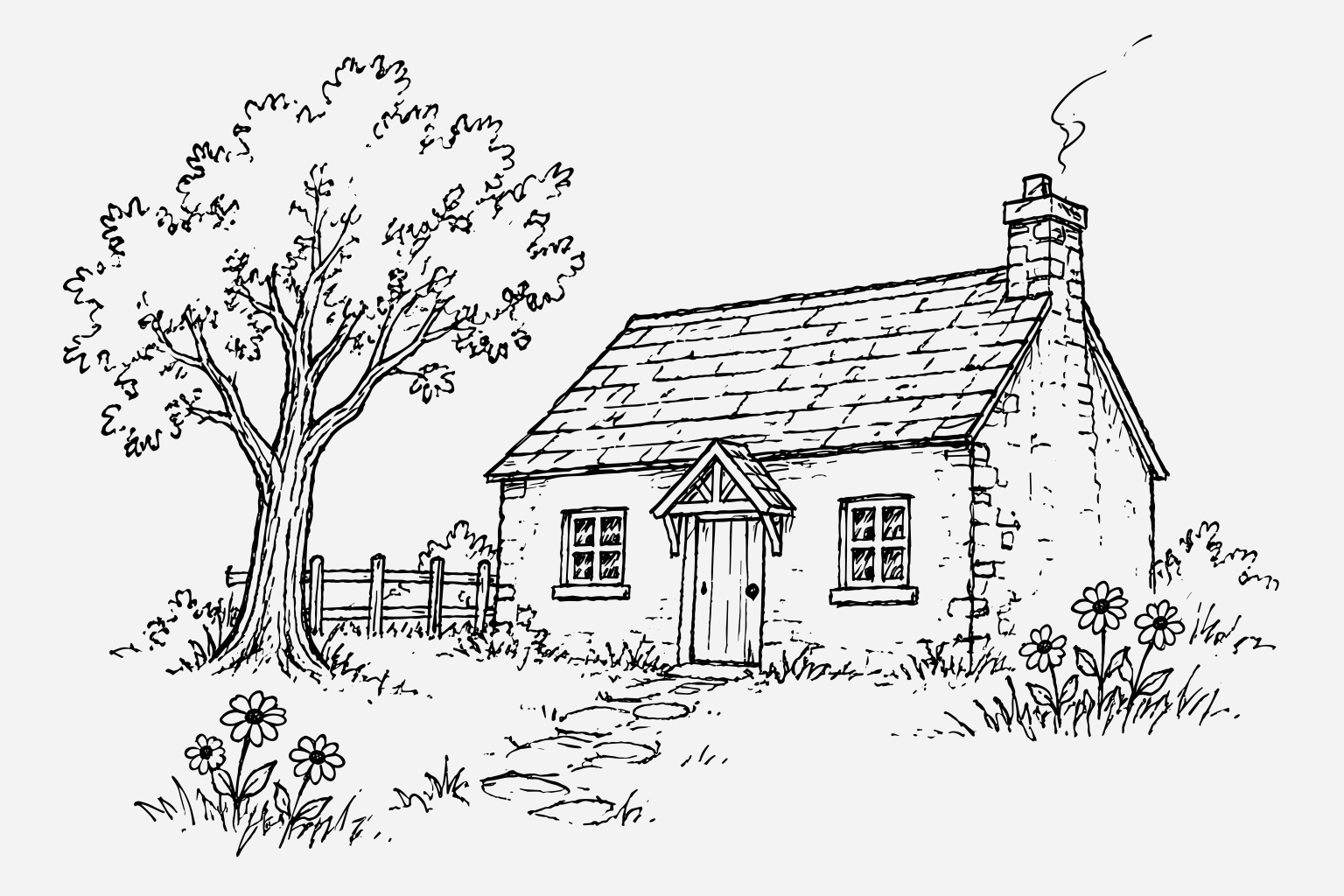
A generated ink-line sketch, traced as Basic and Advanced SVG.

Compare the generated black-ink line sketch with both results; it is an example input, not a photograph or scan. The SVGs are filled outlines of the ink, not strokes that keep pen pressure or a live line width.

CompareBasic is free · Advanced is 1 credit
Original image
Original generated black-ink line sketch
Basic SVG Free · in your browser
generated black-ink line sketch as a Basic SVG
Advanced SVG 1 credit to convert
generated black-ink line sketch as an Advanced SVG

Both SVGs are real output from the source image above. Downloading an example is free; making your own Advanced SVG costs 1 credit.

How to turn a hand-drawn sketch into SVG

Simple line art is the best fit. Shading, dense cross-hatching, paper texture and shadows are the hard case.

One drawing: free Basic SVG in your browser. Advanced SVG is 1 credit; free allowances apply. A flat, evenly lit photo or scan works best.

  1. Photograph or scan the drawing

    Lay the paper flat, fill the frame and use even light. A phone photo is fine if it is sharp and not at a steep angle. Save it as PNG, JPG or WebP up to 20 MB.

  2. Make the lines easy to read

    Dark ink on white, unlined paper works best. Crop to the drawing and raise contrast if the scan is grey. Light pencil lines, paper texture and shadows are the first things to disappear or become noise.

  3. Upload and compare

    Basic SVG is free and traced in your browser, so the image is not uploaded. Advanced SVG costs 1 credit and merges colours into fewer, larger shapes. Free Advanced allowances are listed in the FAQ.

  4. Download the SVG

    Downloads are free. Zoom in to check broken lines, stray dots and filled gaps. The result is a set of filled shapes, so it is not a brush or pencil layer you can keep drawing with.

Basic SVG is free. Advanced SVG is 1 credit.

You pay only when you get the file. Need editable slides instead? Image to PowerPoint.

Credit pack No subscription

$9.90one-time

  • Covers 15 Advanced SVGs, one at a time
  • Batch up to 10 SVGs as a .zip: 2 credits each, against 1 credit for a single SVG. A subscription batches at the single-file price.
  • $0.66 per credit
  • Credits last 12 months

Subscription

$19.90/ month

Billed monthly

  • Covers 50 Advanced SVGs every month
  • Batch up to 10 SVGs as a .zip at the single-file price: 1 credit each.
  • $0.40 per credit
  • Credits last 90 days

Prices in USD. Optional AI Clean-up is 1 credit. Free Advanced conversions: 1 per device without an account (once it is used, log in), 1 more with a Google login. Email-only accounts pay 1 credit. Cancel or change plans anytime in Credits & billing.

Questions

Anything else? Email us.

Does the SVG keep my pen strokes?

No. The drawing is traced as outlines and filled shapes. Variations in pen pressure, pencil grain and the way a line was drawn are not stored as editable stroke data. If you need live strokes, draw in a vector app or trace the image there by hand.

What should I draw with?

A dark pen or marker on plain white paper is the easiest input. Pencil can work if the lines are dark and the scan is clean, but light graphite, smudges and paper texture often turn into noise or vanish.

Why did paper texture become dots?

The tracer sees every area of contrast as a shape. Paper grain, shadows and off-white patches can become small dots or extra paths. Crop tightly, use even light and clean up the background before uploading.

Is Basic SVG free?

Yes. Basic SVG is free and runs in your browser; the image is not uploaded. Advanced SVG is 1 credit. Guests get one free Advanced conversion per device, then one more after signing in with Google; signing in with Google directly gives two. Email-code accounts have no free Advanced conversions.

Can I use a phone photo of my sketch?

Yes, if the page is flat, evenly lit and in focus, and the drawing fills most of the frame. Avoid shadows from your hand or phone, angled shots and coloured or lined paper. A scan is more consistent when you have one.

What happens to shading and cross-hatching?

Shading and dense cross-hatching can merge into larger filled areas or break into many small shapes. Simple line drawings convert more cleanly. Try Basic first and compare it with Advanced before choosing which file to use.

Can I use the SVG for laser cutting or engraving?

Possibly, after cleanup; we have not test-cut one. Both results include a light grey background shape: delete it, check for stray dots, then cut or engrave from the line shapes. If you need a one-colour outline sized in millimetres, PNG to DXF or Image to stencil on this site is a better fit than a traced sketch.

Turn your sketch into an SVG you can scale and edit.

Or drop one PNG, JPG or WebP anywhere on this page.

My files

Pick up where you left off. Saved on this browser.

A fresh canvas awaits.

Images you convert will appear here.

Clearing browser data removes this history.