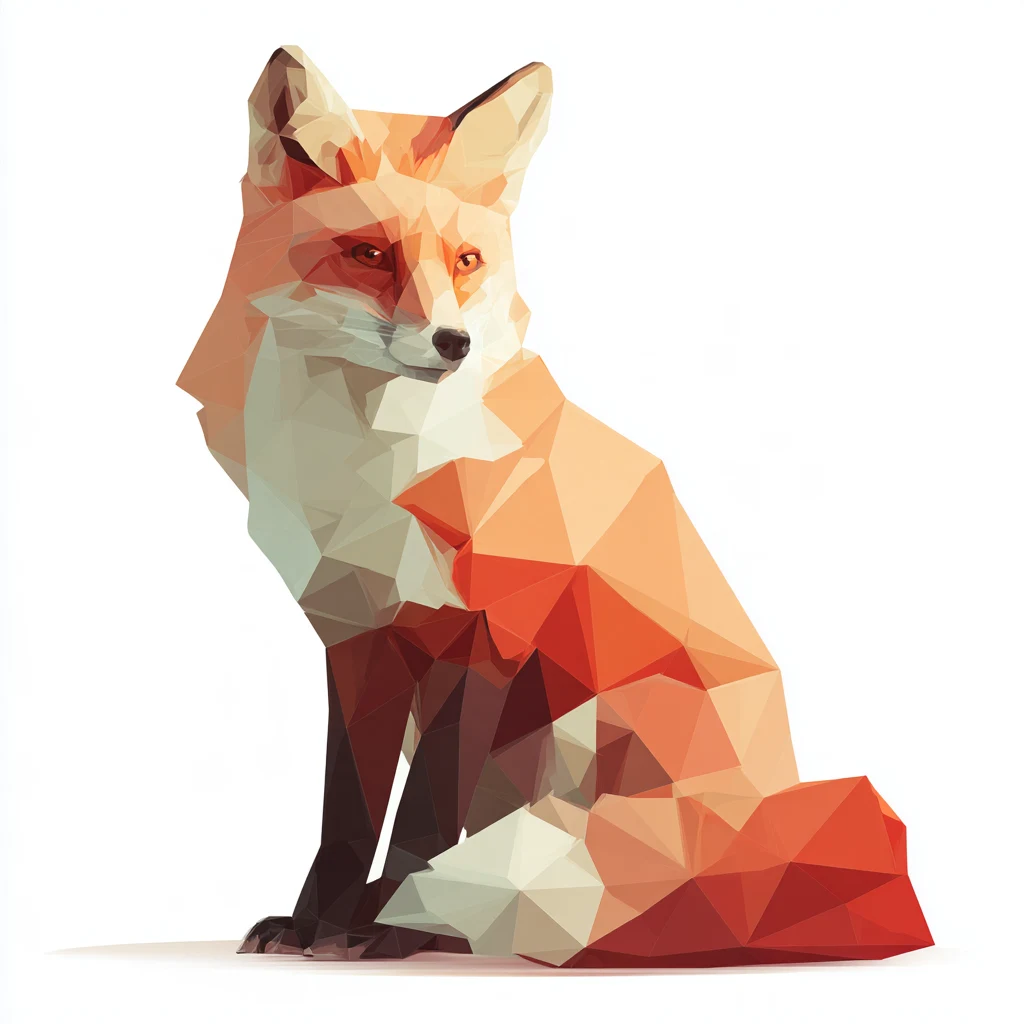
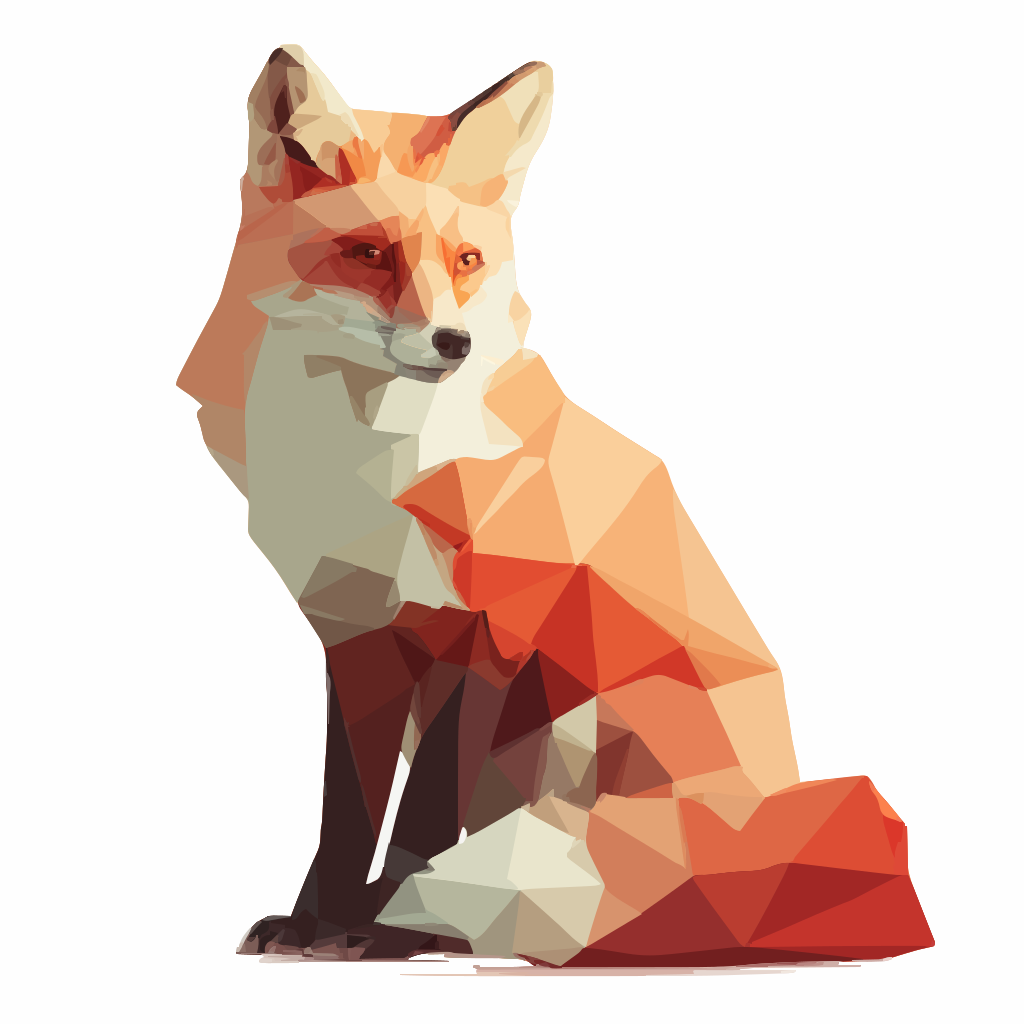
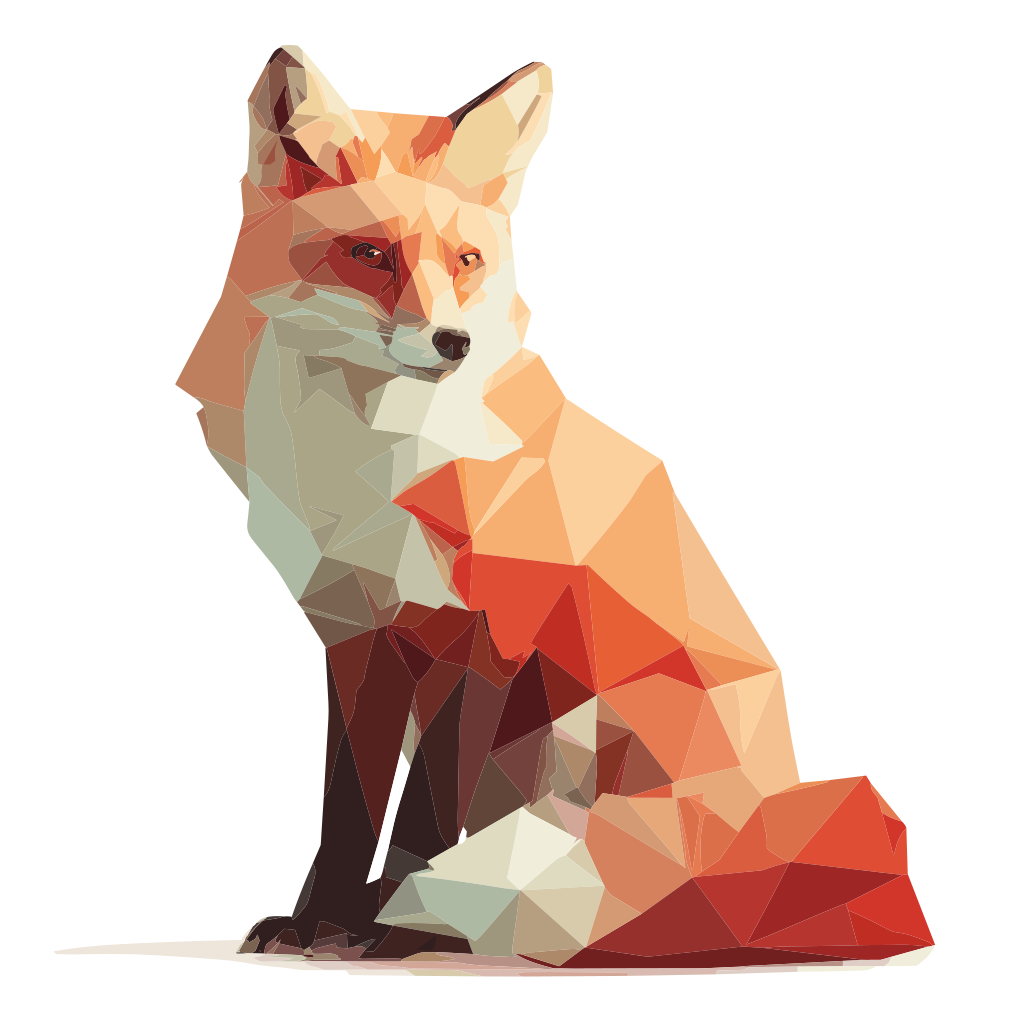
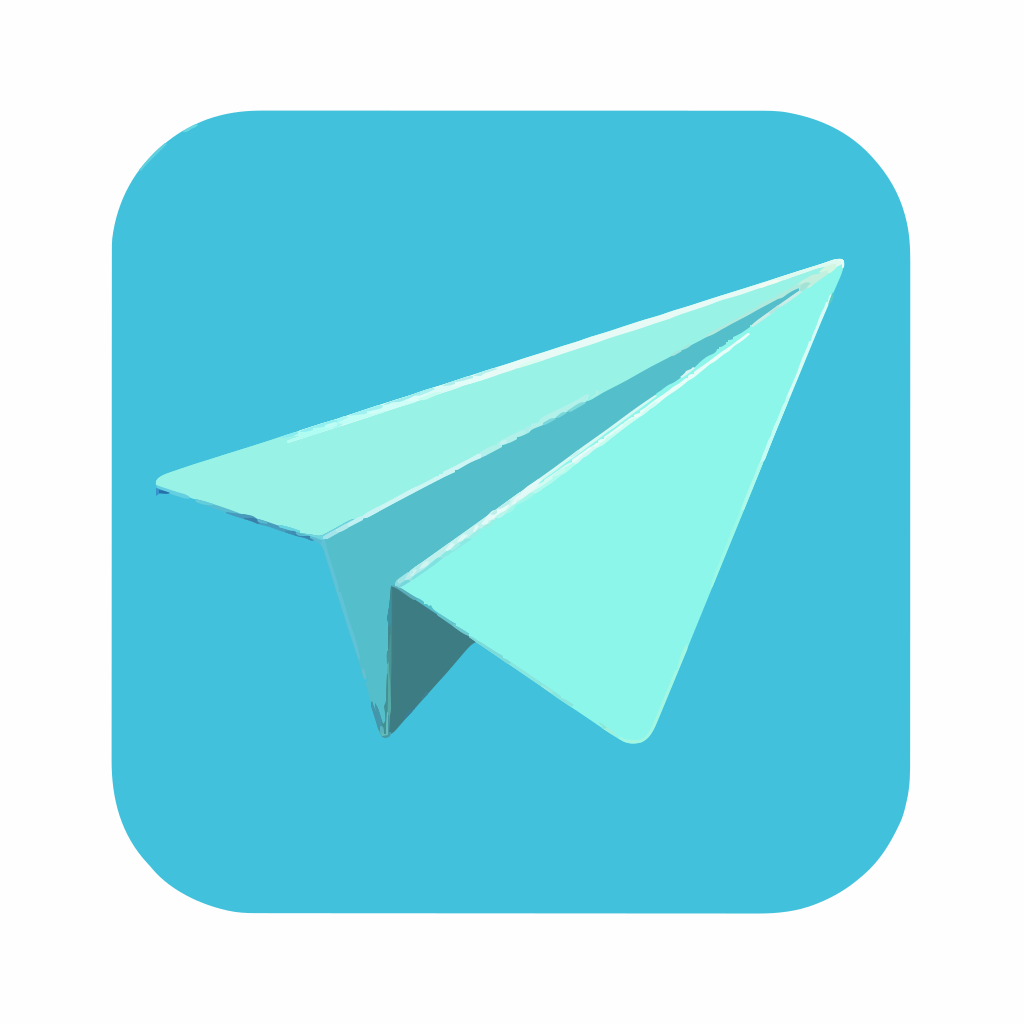
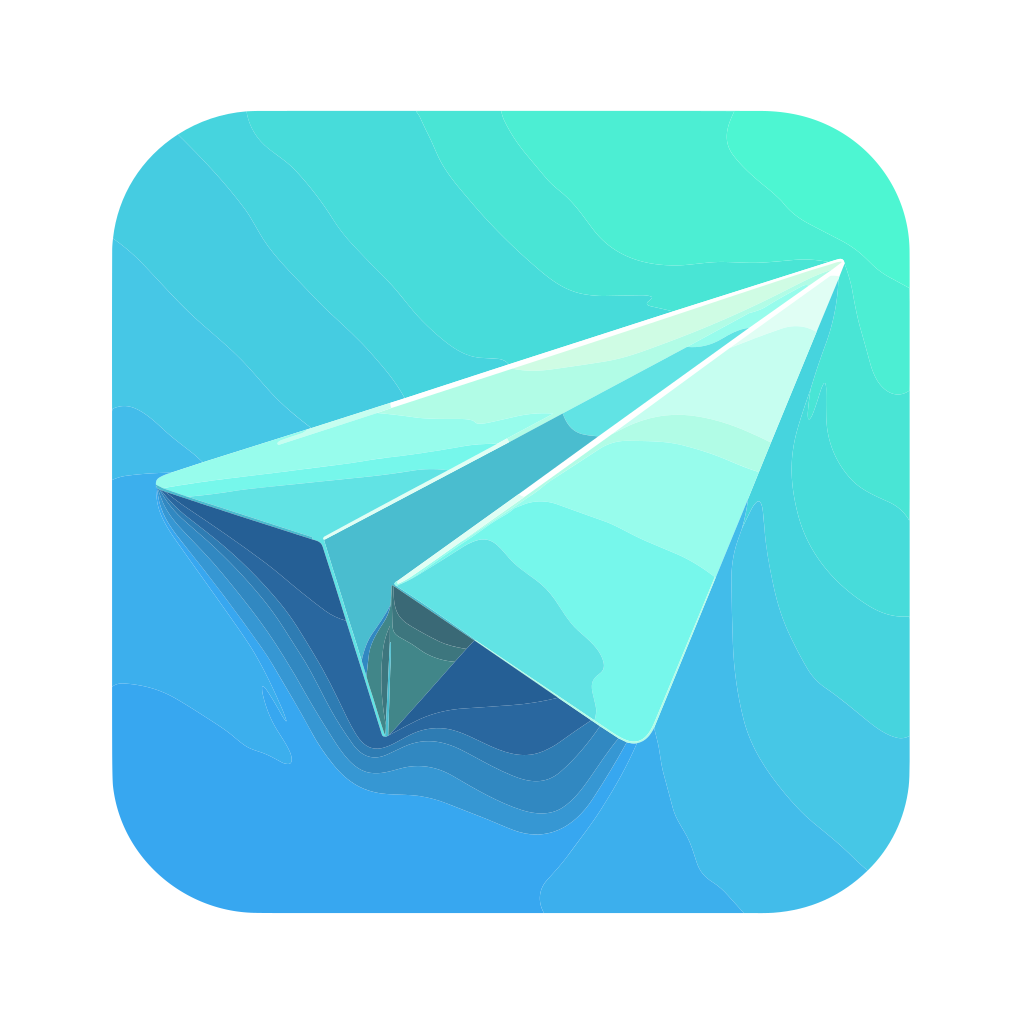
What does an AI image look like as an SVG?
The bitmap is rebuilt as vector shapes and colour layers. Gradients are approximated with bands or separate shapes, so a soft glow becomes visible steps, and fine texture can be simplified or dropped. Advanced merges colours into fewer shapes, which leaves fewer colours to adjust but can show bands, and neither result is the original image.
Is Basic SVG free?
Yes. Basic SVG is free and runs in your browser, so the image is not uploaded. Advanced SVG is 1 credit. Guests get one free Advanced conversion per device, then one more after signing in with Google; signing in with Google directly gives two. Email-code accounts have no free Advanced conversions. No subscription is needed.
Which AI images convert well?
Flat illustrations, icons, logos, stickers and simple character art with clear edges and a limited palette. Images with large areas of one colour and distinct shapes usually need less cleanup.
Which AI images should I avoid?
Photo-like renders, images with complex lighting, soft shadows, smoke, fur, skin or fine texture. These depend on thousands of subtle colour changes, so the SVG loses detail or becomes many small shapes.
What happens to gradients and glow?
SVG conversion replaces a continuous gradient with a set of flat colour areas or layers. Smooth transitions can turn into visible bands, and a soft glow can become a hard edge. Advanced uses smaller steps, but it does not restore the original gradient.
Can I convert an icon to SVG?
Yes. Icons are one of the better cases: simple outlines, flat fills and a small palette. Start with Basic. If curves or tiny details break up, try Advanced, then check the result at the size you will use.
What are the file limits?
PNG, JPG or WebP up to 20 MB on the website. A very large scan is slower to trace, and the SVG file can be large too, so crop to the drawing first.
Can I turn a Midjourney image into an SVG?
Yes. Midjourney returns a bitmap such as a PNG or JPG, and any bitmap can go through the same steps on this page. The limits are the ones described above: smooth gradients and fine detail become flat shapes or bands, so check the result before you rely on it.
Can I turn a ChatGPT image into an SVG?
Yes. An image from ChatGPT or a similar tool is a bitmap, so the steps and limits on this page apply in the same way. If you want an editable slide instead of an SVG, see the ChatGPT image to editable PowerPoint page at /chatgpt-image-to-editable-powerpoint.